 KidNestClub
Parenting Tips & Routines
Digital Chore Chart: Does an App Beat a Paper Chart for Kids?
The chore chart on the fridge has held for a hundred years for a reason: anyone walking past can read it in three seconds. The phone version has to earn the same glance. This guide lays out what a digital chart does better than paper, what paper still wins, the six app features worth switching for, three that ask for more looking than they move jobs, and which family each format fits.
By KidNestClub · Updated 19 November 2026
Total scope: Kids ages 5-12 · one chart format · six app features that help · three that drain · the family each suits.
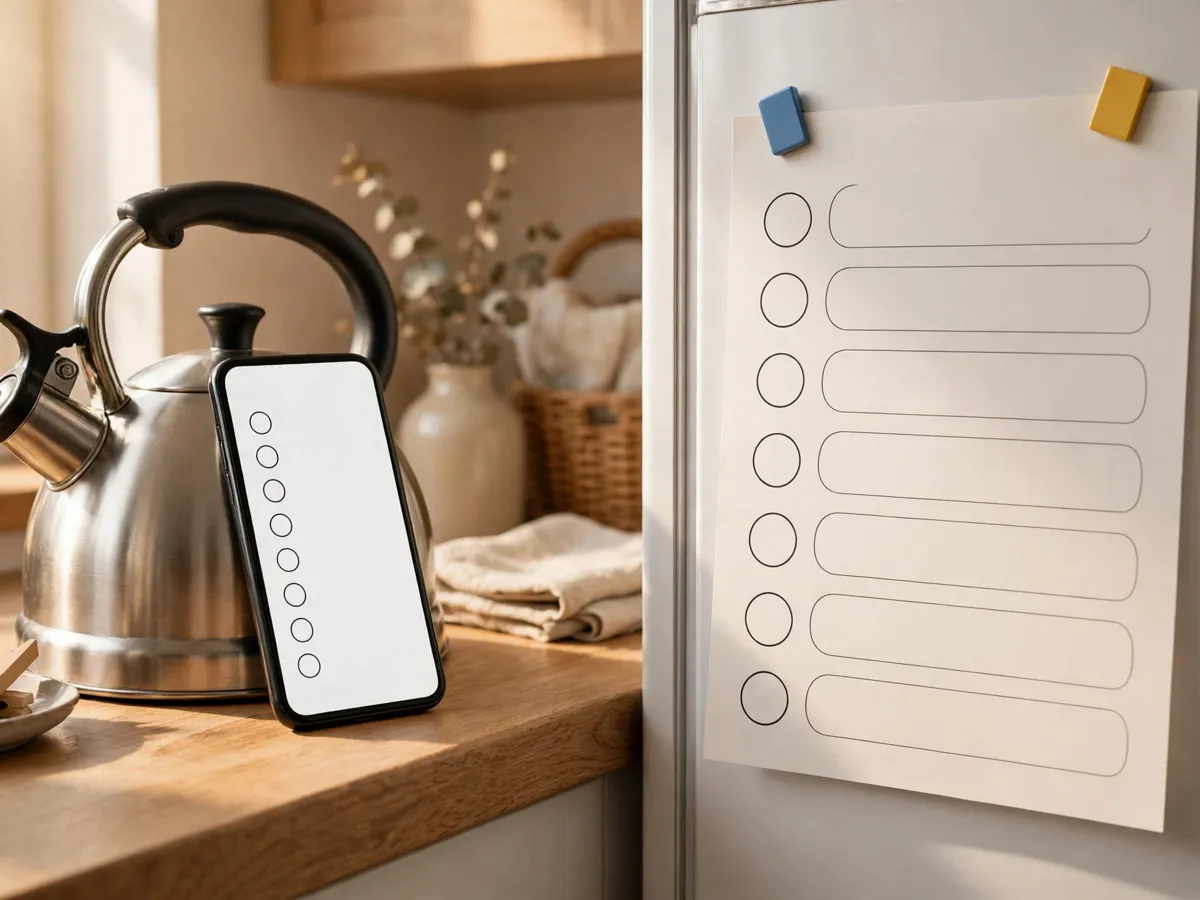
The chore chart by age lays out the paper version job by job, the screen-time chore deal trades checked boxes for minutes, and the reward system page runs the same week on points when coins run thin. Here the question is the format, not the currency.
What a digital chart does better
Two things tip the balance toward the app: the check-off lands the moment the job is done, and the card cannot go missing. A paper chart falls behind the fridge or takes a coffee spill. The phone is already in the pocket, so the check-mark arrives in real time.
What paper still wins
Paper wins on two fronts the app cannot match. The first is bedtime: a screen at the pillow undoes the wind-down, so the last job belongs on a card. The second is the fridge-door glance — every person walking through the kitchen reads the card without unlocking anything.
Six app features that help
1. Push nudge. A reminder fires at the job's hour, not whenever the child remembers to look — the nudge replaces the parent repeating the ask.
2. Photo proof. The checked box carries a picture of the finished job, so the standard is visible, not argued. The bin is in the photo or it is not.
3. Auto-reset. The week rolls over on its own at midnight Sunday, no one redrawing the grid by hand on a card that ran out of blank rows.
4. Shared view across phones. A second parent, a grandparent on a weekend, sees the same card without a photo text and without the “did he do the bins?” phone call.
5. Sibling leaderboard. Two names appear side by side, and the comparison sits on the screen instead of being shouted across the kitchen at the wrong end of the day.
6. Parental sign-off. The box stays grey until a grown-up taps approve, so a check-mark means the job was seen, not merely self-reported.
Three that drain
1. Coin animations. The confetti that fires on a check-off turns the chart into a game to be replayed, and the replay becomes the point.
2. Badge overload. So many achievement medals that a real finish stops registering — when everything is celebrated, nothing is.
3. In-app currency. Coins earned inside the app that can only be spent inside the app, a closed loop that has nothing to do with the household and disconnects the work from the reward.
Moving the list over without losing the week
Families that switch mid-season lose the chart, not the jobs — and the loss is avoidable. Run both formats for one week: the paper card stays on the fridge as the record, the app carries the same jobs, and the two are checked against each other at the Sunday reset. Port one job at a time into the app, keeping the standard written on the card attached to the job description in the app, so “bins to the curb, wheels back in” reads the same on both. When every job has run on the phone for a full week with the same check-marks, the paper card comes down — or stays up as the morning-only version, which is where most hybrid households settle.
Which family each format suits
A digital chart suits the household where the helper carries a phone and the jobs gather in the evening. Paper suits the household with a helper under seven, or any family that wants the chart where the kitchen lives. Most families run both for a season.
Frequently asked questions
At what age does the digital version start to make sense?
Around seven or eight, once a child carries a phone or tablet through the evening and reads the list without help. Before that the paper card on the fridge does the same work with no screen at the pillow.
Won't the app just become another game?
Only if the features you switch on are the playful ones. Turn off the coin animations and the badge pop-ups, leave the push nudge and the photo proof, and the app behaves like a card with a timer.
What if the family cannot agree on one app?
Run paper for a month first. A family that cannot settle on a chart format is not ready to argue about which app; settle the jobs and the standard on paper, then move the winning list into whichever app the bill-payer already pays for.
How do I keep the bedtime job off the screen?
Leave that one job on a paper card by the bed. A chart does not have to be all-paper or all-phone; the hybrid is the version most families settle on, with the screen for the evening jobs and the card for the last one.
Save the format that fits your household
Pin this page for the next chart review, and pair it with the chore chart by age for the paper version, or the reward system page if your week runs on points instead of check-marks. The Parenting Tips & Routines collection holds the screen-time chore deal that ties checked boxes to minutes.